Good afternoon!
The company "FURNITURE PARADISE" offers a 30% discount on all oak furniture: cabinets, kitchens, beds, and tables. Buy before 25.06.
Can I send you a link to a discounted product catalog?
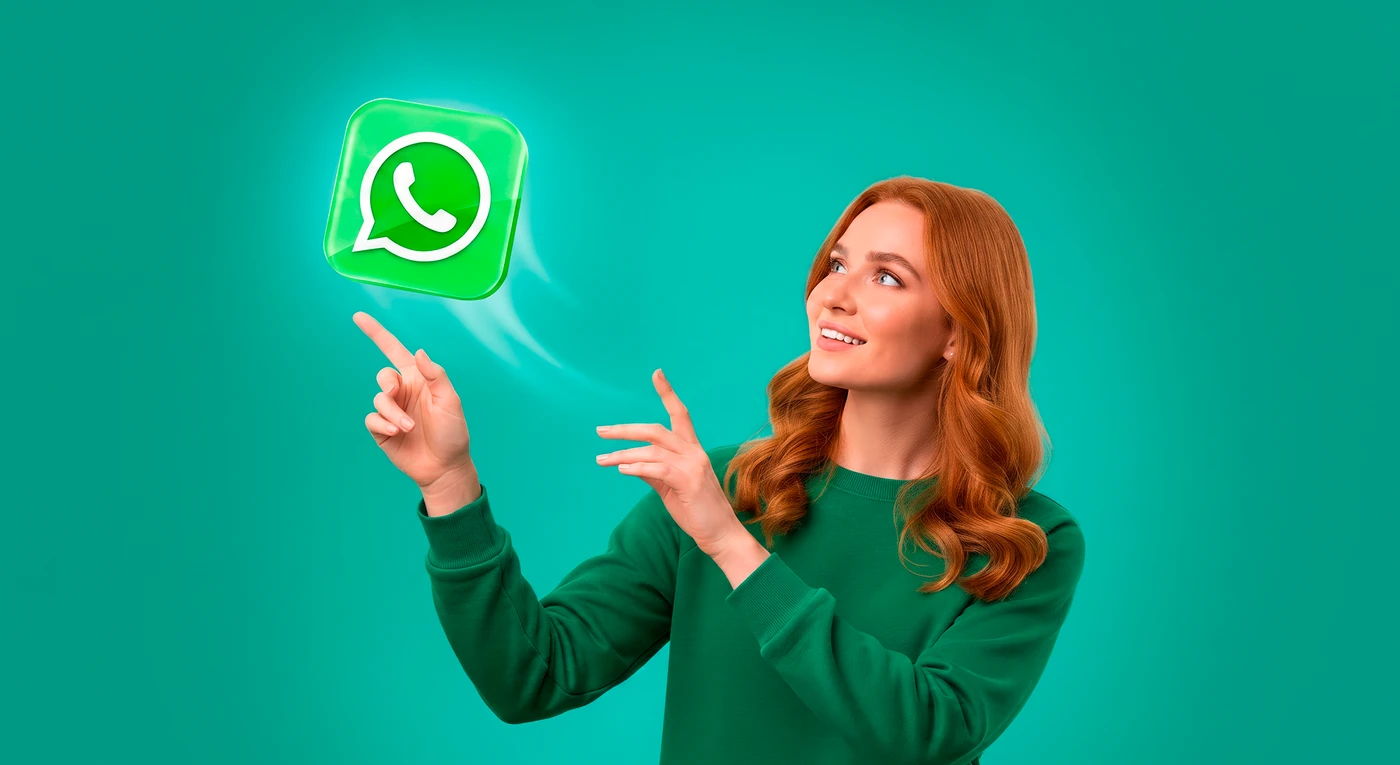
In two clicks, send your offers, promotions, service and informational messages in WhatsApp without adding phone numbers to your smartphone contacts
Free testing and getting started with the service
No complex settings or software to install
Writes and optimizes the message text
Reports on deliveries, reads, and responses
Lowers the blocking risk
Several mailings from different accounts
Checks registration in WhatsApp
Setting up a schedule for sending messages
Text personalization and randomization
Every message is unique
The service has no password: sign in with Yandex, Google or by email.
The number of mailings is unlimited. You can connect any of your messenger accounts.
You can add text, images, videos, audio, documents, or a contact card.
From CRM, an Excel file, a contact segment, or messenger chats. Numbers can be in any format.
You can start sending from any WhatsApp or WhatsApp Business account.
View your message sending statistics and receive responses from customers.
WhatsApp is the most popular messenger in the world: it is installed on almost every smartphone, and its messages are opened far more often than e-mail. A personal message from a real account does not look like an ad and lands directly in a chat the customer checks every day.
A WhatsApp mailing is sent from your regular accounts to the phone numbers in your base — recipients do not need to install or confirm anything. Send text, pictures, videos, files and contact cards, receive replies from customers and analyze the reaction to every mailing.
Our service is useful for any business, whether it's a small flower shop or a large medical center with branches across the country. If you want to find new customers or improve your interactions with existing ones, mailings in WhatsApp can become an effective marketing tool for you.
When starting your first mailing, choose Connect a new WhatsApp account. A QR code will appear — scan it in the linked devices section of the WhatsApp or WhatsApp Business app.
After the first mailing from the new account, it stays connected to the service, and you will not need to scan the QR code again to start the next mailings.
More details in the article about starting a mailing.
Mailings are started from any of your own accounts registered in the WhatsApp or WhatsApp Business app. Replies from recipients arrive to the same accounts.
The number of connected accounts depends on your plan.
It can: WhatsApp restricts sending when a number pushes out a stream of identical messages to people who do not have it saved in their contacts. Moreover, a WhatsApp block is not always visible right away: messages may simply stop being delivered. The risk grows with:
WSENDER looks after the number: the auto-strategy warms up the account gradually and slows down on its own if WhatsApp starts restricting delivery. AI moderation checks the message text before launch.
I spent a long time looking for a reliable WhatsApp mailing service — I tried several and settled on this one. I really liked that there are ready-made message templates: it saved me a lot of time on creating them. Sending works stably, messages reach customers without delays. I track the statistics — I can see how many people opened the message and followed the link. Thanks to the mailings, we increased repeat sales by 15 %. Very happy!
I use the service for training reminders and mailings announcing new programs. The message scheduling feature is a real find: I set everything up a month ahead and forgot about it. Clients say they get reminders on time — fewer missed sessions. It is also handy that you can segment the audience: I write separately to those who do yoga and to those who do strength training. The interface is simple, I figured it out in a couple of hours. Definitely recommend!
As a self-employed artist, it is important for me to keep in touch with clients and remind them about myself. The WhatsApp mailing service has been a real lifesaver! I set up automatic messages after a booking: confirmation, a reminder the day before, and a thank-you after the visit. Clients say it is very convenient. In 2 months of use I noticed more repeat visits — people do not forget about me. So glad I found this tool!
I was choosing a mailing service with an API to integrate with my own CRM. This one fit perfectly — the documentation is clear, and tech support helped with the setup. Now I automatically send clients project statuses and deadline notifications. Everything works stably, delays are minimal. The reporting was a particularly nice surprise: I can see who read the message and who opened the link. A very well-designed tool for automating communications!
I use the service for mailings to my students' parents. I send class schedules, homework, useful materials and payment reminders. It is convenient that you can send messages to a whole group and still personalize them — I add each parent's name. Support responds quickly: when I could not attach a file, they helped within 10 minutes. In 3 months with the service, not a single delivery delay — everything is spot on!
In tourism it is very important to promptly inform clients about the status of their requests and changes to the tour. The mailing service has made this task much easier. I set up automatic messages at different stages: booking confirmation, a reminder about documents, departure information. Clients are happy — fewer questions and worries. It is also convenient to send tour selections to the target audience by interest. In six months of work, not a single failure — everything is stable and reliable!